
Query Profiler User Interface
If you already have a Vertica database running and want to use the QueryProfiler tool to analyze your query, you can install VerticaPyLab independently to achieve this.
Follow the instructions below to set up VerticaPyLab for QueryProfiler tool.
Prerequisites
VerticaPyLab requires the following prerequisites:
For Windows
Docker Desktop version (Docker version 18.09 or higher)
Windows Subsystem for Linux 2 (WSL 2)
For Mac/Linux
Docker version 18.09 or higher (click here for installation instructions)
Note
To learn how to get the above please look at Prerequisites.
VerticaPyLab Quickstart
The following steps import and launch VerticaPyLab:
Start a Linux distribution (WSL 2 for Windows).
- Clone the VerticaPyLab repository:
git clone https://github.com/vertica/VerticaPyLab.git
- Navigate to the cloned directory:
cd VerticaPyLab
- Start the JupyterLab container:
make verticapylab-start
Note
- If
makecommand is not there, you may need to install it: sudo apt install make
A browser should pop up automatically. If it does not, then you can copy the URL link into any browser. Additionally, if you are trying to connect to your container through a VM/remotely, then please follow the instructions of step 5 here: VerticaPyLab Quickstart.
When you are done with using the container and want to shut it down, you can simple do:
make verticapylab-stop
Connect to Database
Once the container launches click on the Connect button to navigate to the Connection page. Here enter your database credentials to connect to any Vertica database.
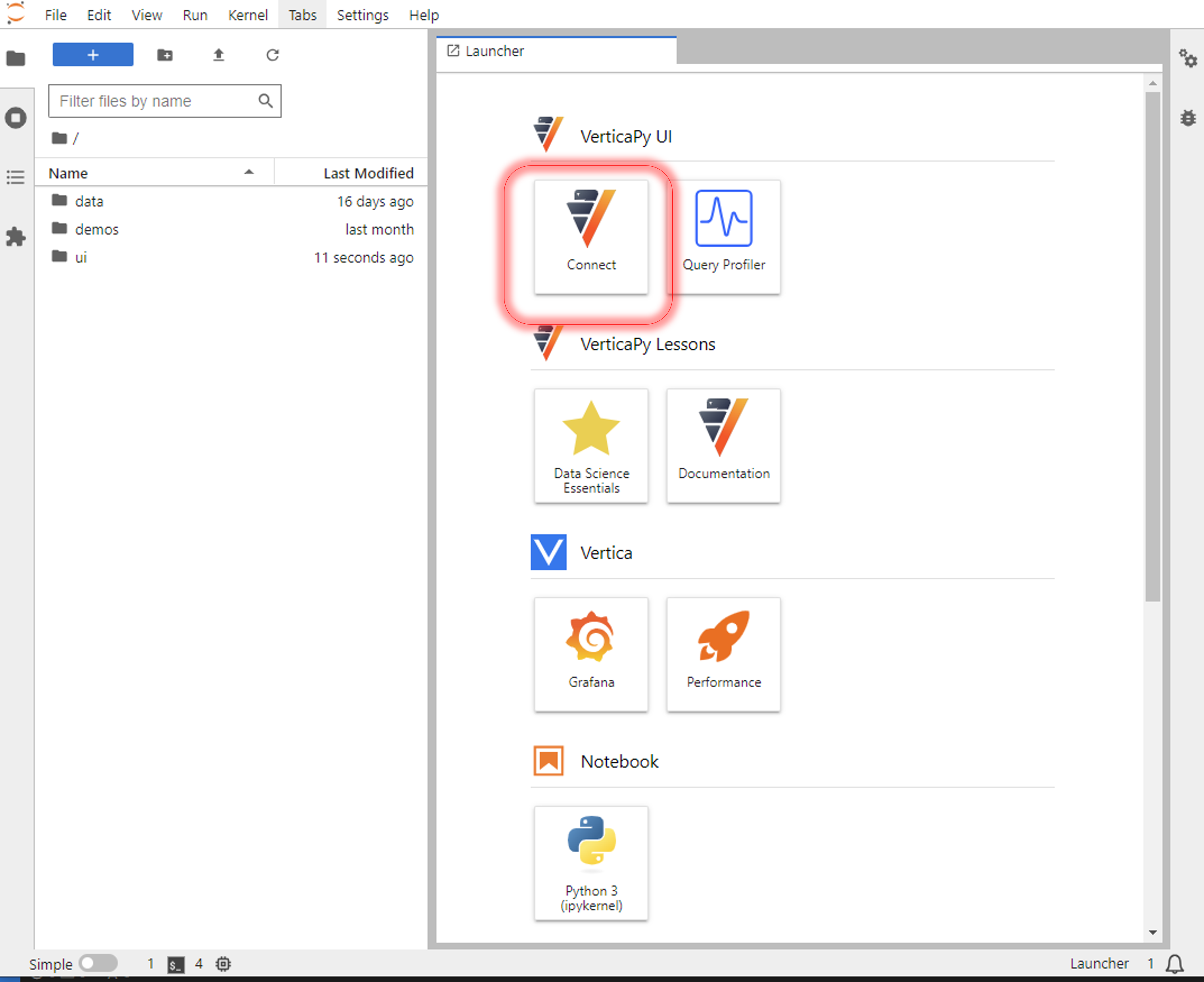
Now you are ready to use the Query Profiler tool using the GUI.